Campaigns
Win-BackA campaign is a batch of outbound calls to customers you already have. The Campaigns page lists what you have run and what is running now; the builder walks you through creating one in four steps. You choose who to call, either from a segment or the whole list; you pick which AI agent makes the calls and what the offer is; you set a budget cap so spend can never run away from you; then you review a compliance summary before launching. Once running, a campaign can be paused or stopped at any time, and every call it places appears on the Calls page with a transcript. Calls are only placed to customers who pass the compliance checks at dial time, which includes their own local calling hours and your Do-Not-Call list, so the callable count is often smaller than the list size.
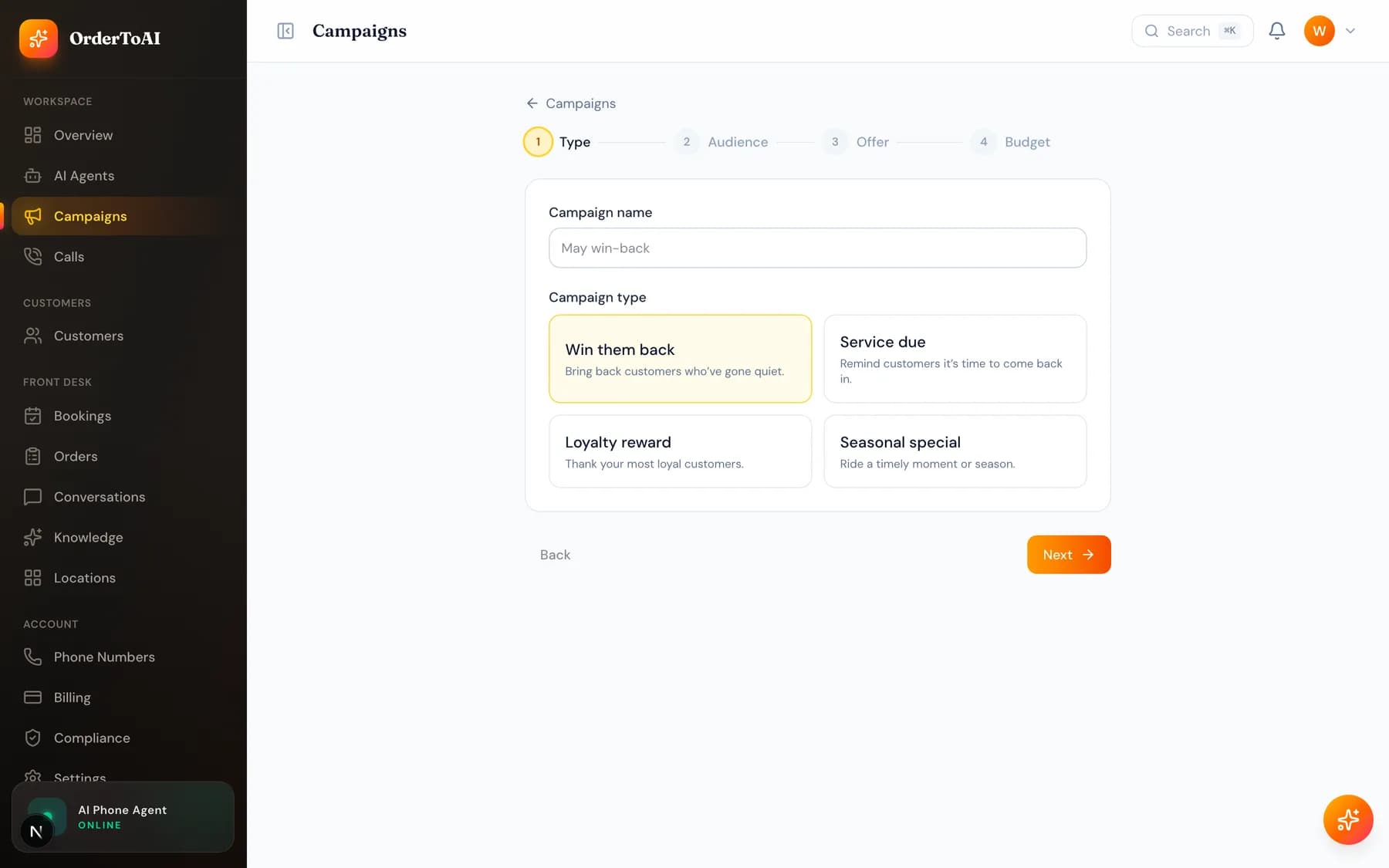
Building a campaign
- 1
Choose your audience
Pick a saved segment or your whole customer list. The builder shows how many of those customers are actually callable right now, which is the number that matters.
- 2
Choose the agent and the offer
Select which Active outbound agent makes the calls, and describe what you are offering. The AI writes the conversation around it rather than reading a fixed script.
- 3
Set your budget
Cap what the campaign may spend. Calling stops when the cap is reached, so a campaign can never quietly outspend what you intended.
- 4
Review and launch
The last step summarises the audience, the offer, the cap, and the compliance position. Launching begins dialling within your customers' permitted calling hours.
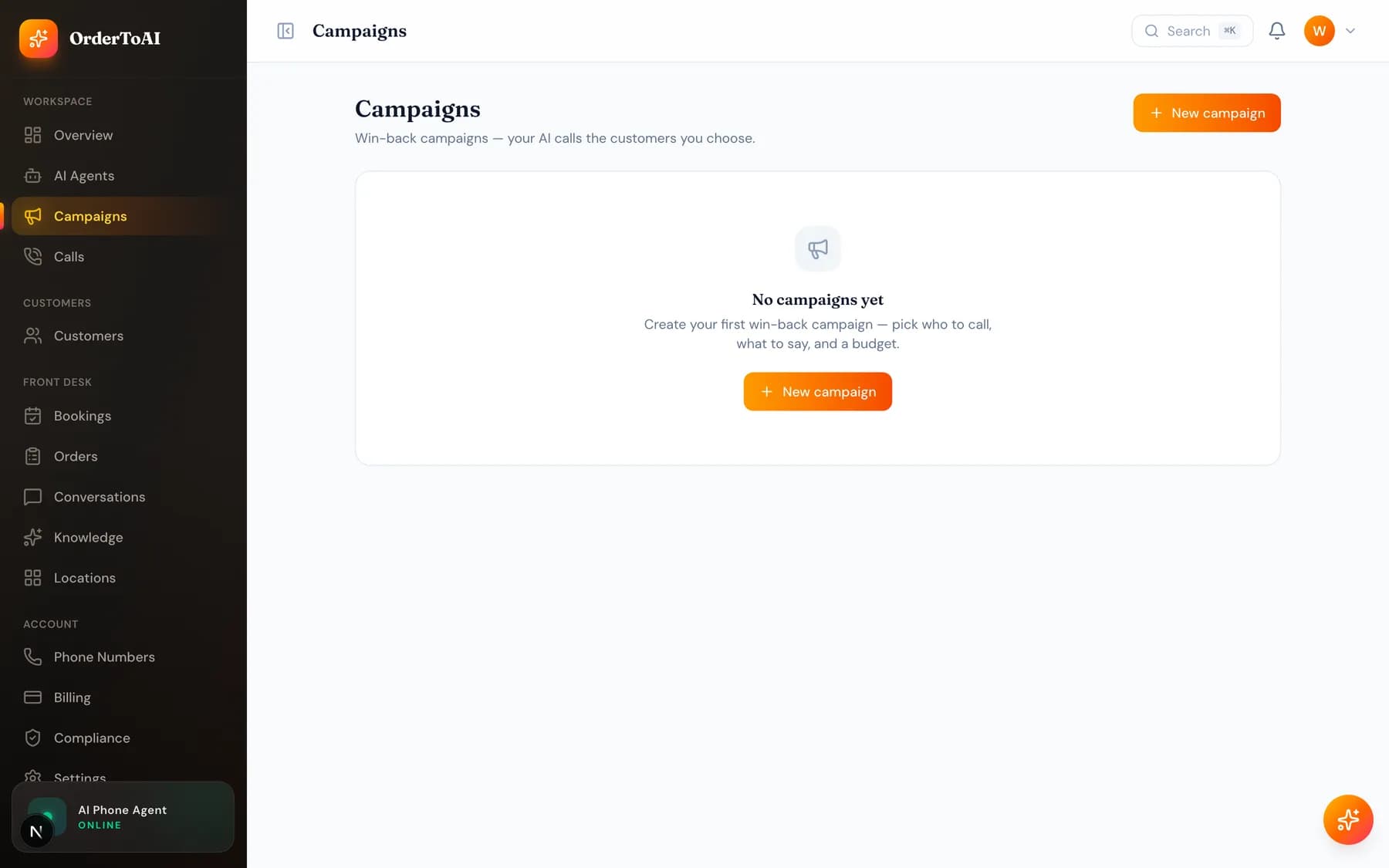
Watching a campaign run
Open a running campaign to see live progress: how many have been called, how they went, and what it has cost so far. Pause holds the queue without losing progress, and stopping ends it for good. Every individual call links to its own transcript.
Because outcomes are captured per call, a campaign tells you more than a completion count: you can see which customers booked, who asked for a callback, and who opted out. Opt-outs are added to your Do-Not-Call list automatically and are honoured across both calls and texts from then on.
Questions
- Who is allowed to be in a campaign?
- Only customers you already have a business relationship with. That is the legal basis this product runs on and the attestation you accepted at signup. Purchased, scraped, or cold lists are not permitted, and accounts found using them are suspended.
- Can I stop a campaign once it has started?
- Yes, at any moment. Pause holds the remaining queue and keeps the progress you have made, and stop ends the campaign entirely. Neither affects calls already completed, and neither loses your results.
- What happens when a customer asks to stop being called?
- The AI acknowledges it on the call and the customer is added to your internal Do-Not-Call list immediately. That suppression applies across every future campaign and to text messages as well, not just to the campaign that was running.
- How is a campaign billed?
- Outbound calling draws against prepaid call credit at the same $0.49 per minute of talk time as the rest of the product, and the budget cap you set is the ceiling. You are billed for talk time actually used, so unanswered calls cost little.
Next steps
Customers
How to import your existing customers from a spreadsheet, what the AI column mapper does, why some rows are not callable, and how segments work.
Calls
Every call your AI made or answered, with full transcripts, outcomes, and the filters that turn a call log into something you can actually learn from.
Compliance
The controls that keep outbound calling lawful: your internal Do-Not-Call list, customer local calling hours, and the evidence trail behind every call.
Hear it on your own business
Reading about it only goes so far. The demo calls you and answers as your business, using your real Google profile, before you create an account.
Start free trial