Going live: the activation checklist
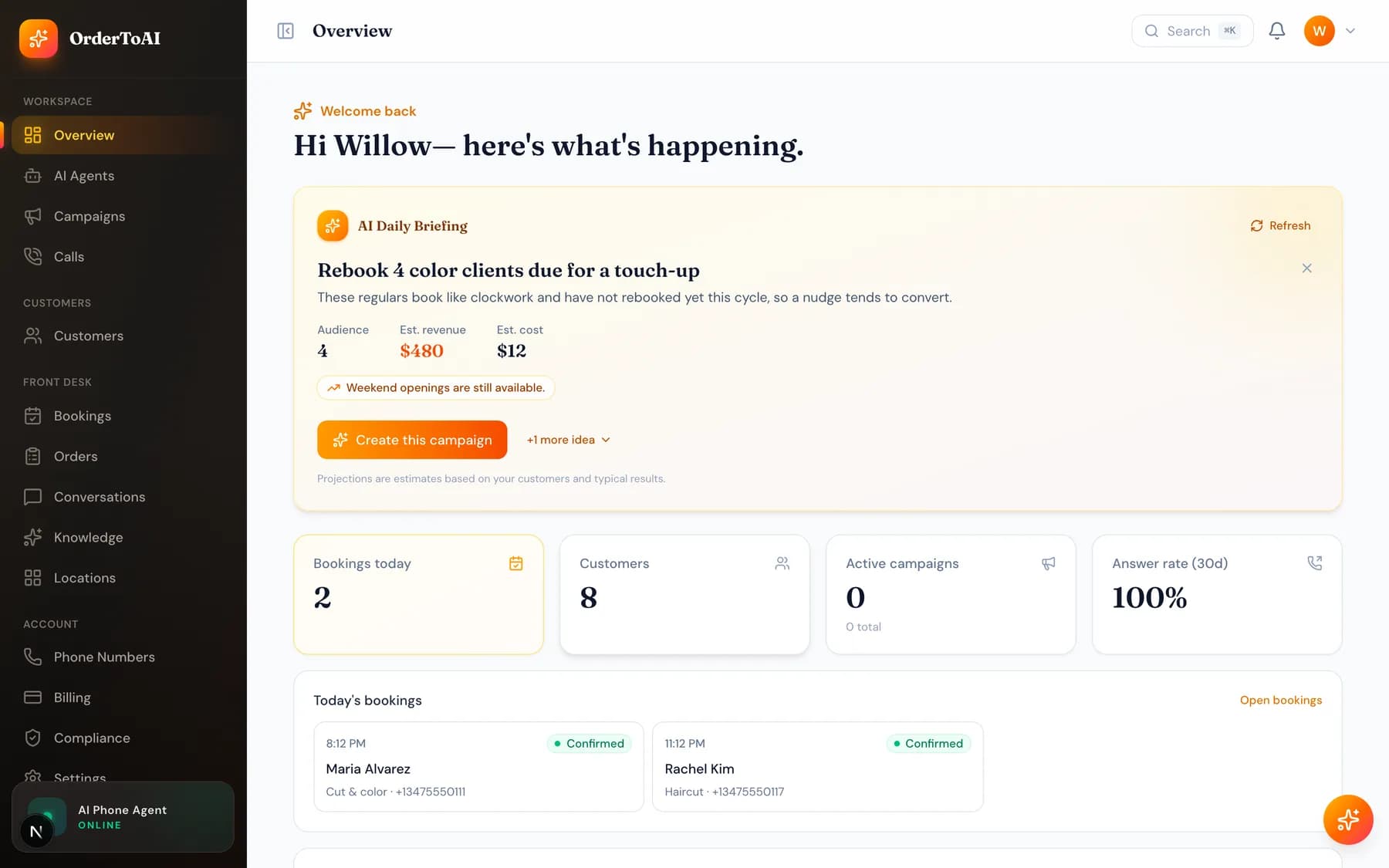
All plansCreating an account does not put your AI on the phone by itself. Activation is a short checklist your dashboard tracks for you, and until it is finished the Overview page shows how many steps remain. You need a phone number attached to your account, a contact number for the AI to transfer callers to when someone asks for a person, your business knowledge reviewed so the answers are right, and finally your existing business line forwarded so real calls reach the assistant. On Win-Back you also upload the customer list you want called. Each step can be done in any order, but calls will not reach your AI until a number is attached and your line is forwarded. The banner at the top of the dashboard links straight to whichever step is still outstanding.
The checklist
- 1
Get your phone number
Choose a local number in the area code your customers recognise, or transfer the number you already advertise. Until a number is attached, the AI has no line to answer.
- 2
Set your transfer contact
Tell the AI which number to ring when a caller asks for a person. This is your real phone, and the call is connected to you rather than handed off blindly, so you get context on who is holding.
- 3
Review your knowledge
Check the hours, services, and answers imported from your Google profile, and add anything the AI should know. This is the single highest value ten minutes in setup because it decides how accurate the answers are.
- 4
Forward your business line
Dial the forwarding code for your carrier on your existing business phone. You can forward all calls, or only when your line is busy or unanswered, which is the setup most owners start with.
- 5
Upload your customers (Win-Back)
Import the customer list you already have as a spreadsheet. The column mapper reads it, flags anything that cannot be called, and gets your list ready for outreach.
Text messaging takes longer to activate
Voice works as soon as your number is attached. Text messaging is different, because United States carriers require every business number to be registered before it can send texts. Registration is submitted for you automatically when you buy your number, but carrier approval takes time and is outside our control. Until it clears, your AI answers calls normally and text replies wait.
Questions
- Why is my AI not answering calls yet?
- The two usual causes are that no phone number is attached to your account yet, or that your existing business line has not been forwarded to your OrderToAI number. The activation banner at the top of your Overview page names whichever step is still outstanding. Calling your OrderToAI number directly is a quick way to tell the two apart: if that works, the missing piece is forwarding.
- Can I forward only some calls to the AI?
- Yes, and most owners start this way. Carriers support forwarding only when your line is busy or when nobody picks up after a few rings, so your own phone still rings first and the AI catches what you miss. You can move to full forwarding once you trust it.
- How do I stop forwarding my calls?
- Dial the cancel code for your carrier on the same phone you used to set it up. Forwarding is controlled entirely by your carrier, not by OrderToAI, so turning it off never depends on us or on your subscription being active.
- Do I have to upload customers to use Front Desk?
- No. Uploading a customer list is only needed for outbound win-back calling. Front Desk answers your inbound calls and texts without any list at all, and builds its own customer records from the people who call you.
Next steps
Your first call
How to test your AI before customers reach it, what a good first call sounds like, and how to read the transcript afterwards to fix what it got wrong.
Phone numbers
Choosing a local number, transferring the number you already advertise, attaching numbers to locations, and how forwarding fits with the number you keep.
Knowledge
What your AI knows, where that knowledge comes from, and how to add hours, services, prices, and answers so it stops saying it does not know.
Forwarding your existing number
How call forwarding works, the difference between forwarding everything and only forwarding missed calls, and how to turn it off again.
Hear it on your own business
Reading about it only goes so far. The demo calls you and answers as your business, using your real Google profile, before you create an account.
Start free trial