Locations
Front DeskLocations lets one account run several stores without them bleeding into each other. Each location has its own phone number, its own Front Desk agent, its own knowledge and hours, and for restaurants its own menu and tables. A caller to your second store hears that store's name, that store's hours, and books into that store's calendar. You still see everything in one dashboard, and the location switcher in the top bar filters the whole thing, so you can look at one store in isolation or all of them together. Staff can be scoped to a single location, which means a manager only sees their own store. Additional locations are billed per location per month on top of your plan.
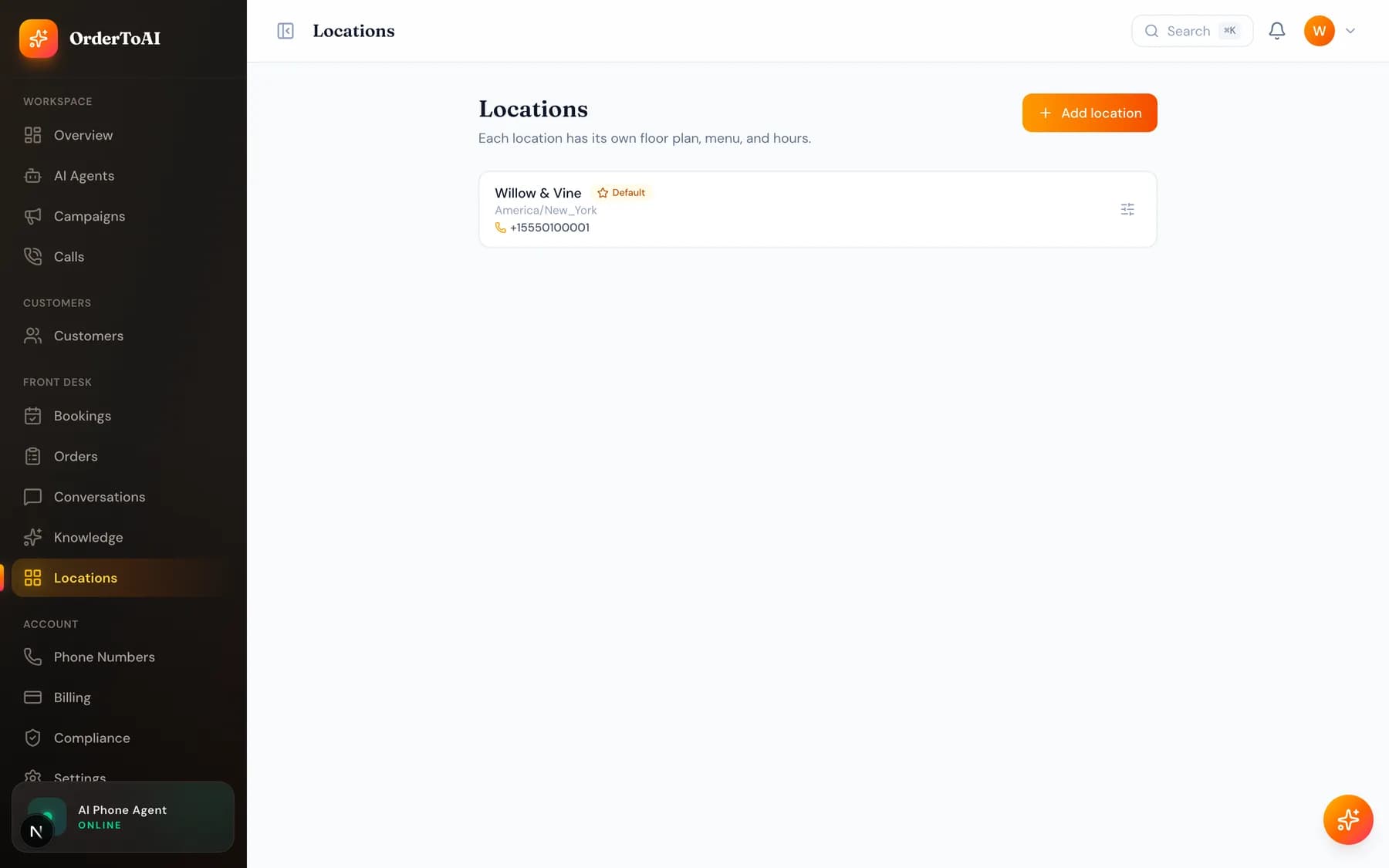
What is per location versus account wide
| Setting | Scope |
|---|---|
| Phone number | Per location. Each store gets its own number so callers reach the right place. |
| Front Desk agent | Per location. One inbound agent each, with that store's voice and skills. |
| Knowledge and hours | Per location, with account wide knowledge available everywhere. |
| Menu, tables, floor plan | Per location for restaurants. |
| Bookings and calls | Recorded against the location that handled them, and filtered by the switcher. |
| Customers and campaigns | Account wide, so your customer list is not fragmented across stores. |
| Billing | One subscription, with each additional location billed per month. |
Questions
- How much does an extra location cost?
- Additional locations are billed per location per month on top of your plan, and each one includes its own phone number, agent, knowledge, and calendar. The current per location price is shown on the pricing page and on your billing page.
- Can a member of staff see only their own store?
- Yes. Staff can be scoped to a location, and that scoping is enforced everywhere in the dashboard rather than being a display preference. A manager assigned to one store cannot see another store's bookings, calls, or customers.
- Does each location need its own phone number?
- Yes, and that is the point. The number a customer dials is how the AI knows which store they want, which store's hours and menu to answer from, and which calendar to book into.
- Is my customer list shared between locations?
- Yes. Customers and campaigns are account wide so your list is not fragmented, while operational data such as bookings and calls is recorded per location. That way a returning customer is recognised wherever they call.
Next steps
Phone numbers
Choosing a local number, transferring the number you already advertise, attaching numbers to locations, and how forwarding fits with the number you keep.
Knowledge
What your AI knows, where that knowledge comes from, and how to add hours, services, prices, and answers so it stops saying it does not know.
Running multiple locations
How to run several stores on one OrderToAI account: per location numbers, agents, knowledge and menus, staff scoping, and what stays shared.
Hear it on your own business
Reading about it only goes so far. The demo calls you and answers as your business, using your real Google profile, before you create an account.
Start free trial